

Circle Text Generator: Write Text Around a Circle
This circle text generator wraps your words around a circle, evenly spaced. Make logos, badges, stamps and stickers on a transparent background, or put round text on a photo.
- Transparent PNG
- Ring and rotation
- No watermark
Drop a photo here, or paste it with Ctrl + V
JPG, PNG or WebP. Your photo stays in your browser: nothing is uploaded.
No photo handy? Try one of ours
How to Use the Circle Text Generator
- 01
Choose a canvas
Start with a blank, transparent canvas for a logo or sticker, or upload a photo to put round text on it. - 02
Type and shape it
Write your text, pick a font and colour, then set the circle size and rotation. Add a ring if you like. - 03
Download a PNG
PNG keeps the background transparent on a blank canvas. JPG is filled with white.
That is the whole circle text generator: pick a canvas, type, download.

Settings
Every Circle Text Setting, Explained
Every slider in the circle text generator changes one thing:
- Circle size changes the radius. Bigger circles fit longer text without shrinking the letters.
- Rotate turns the whole ring so the first word starts where you want, for example centred at the top.
- Spread around the whole circle sets the letter spacing automatically so the text closes the loop. Turn it off to set spacing by hand and leave a gap.
- Text inside the circle puts the letters inside the ring instead of outside.
- Draw the ring adds a circle line in any colour, the classic badge and stamp look.
What People Make with Round Text
Circle text turns a plain word into something that looks like a logo. Three things people make with this circle text generator:
Logos and badges
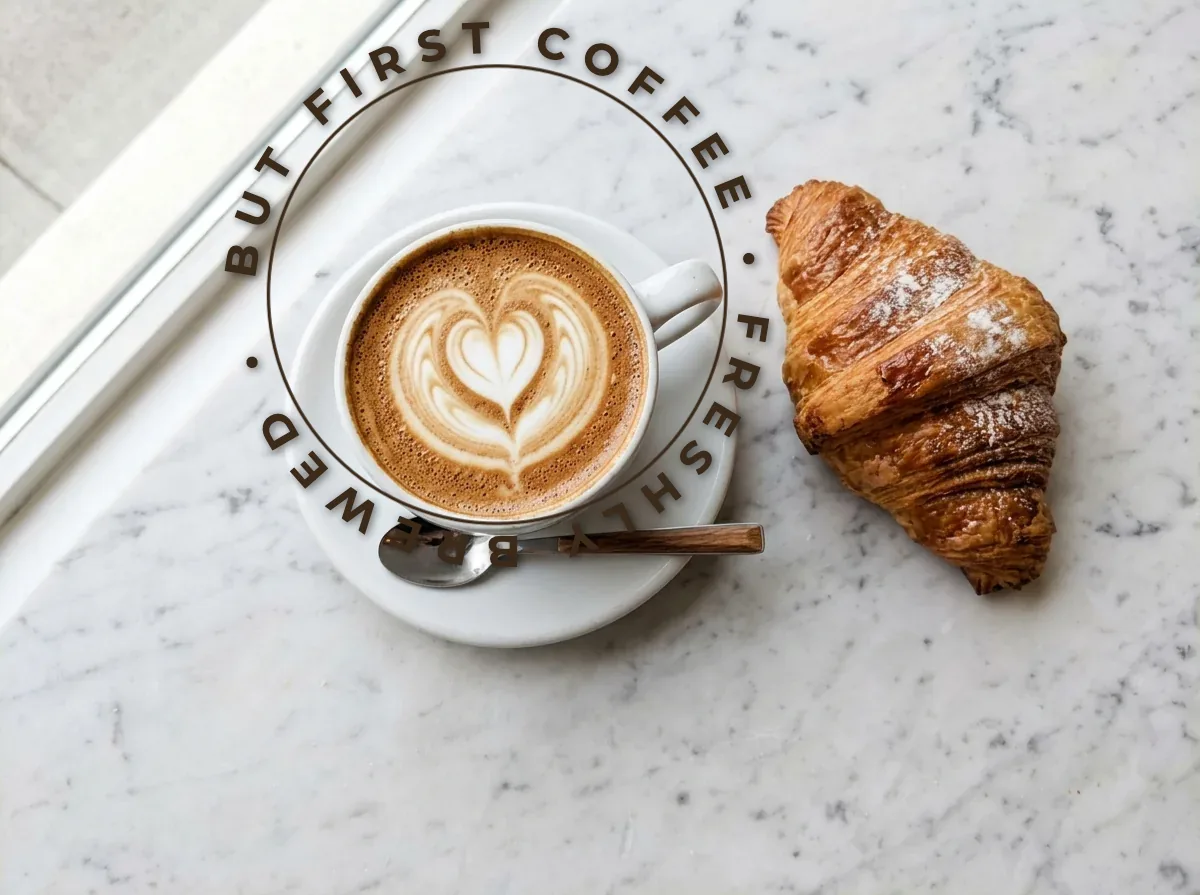
Text around a subject

Stickers and sale tags
Tips for Clean Circle Text
- Capital letters look more even around a circle than lowercase.
- End the text with a separator ( • ★ ✦ ) so the loop has a clear start.
- Bold sans-serif fonts such as Montserrat and Archivo Black stay readable when small.
- For a stamp, use one colour for the text and the ring, and a slightly larger circle.
Circle Text vs Curved Text
| Circle text | Curved text | |
|---|---|---|
| Shape | Full circle | Part of a circle (arch or smile) |
| Letter spacing | Automatic to close the loop | Normal |
| Background | Transparent or photo | On a photo |
| Best for | Logos, badges, stamps | Titles over a picture |
Use the circle text generator for closed loops and the Curve slider for arches.
FAQ
How do I write text in a circle?
Start with a blank canvas or a photo, type your text and the circle text generator spreads the letters evenly around the circle. Adjust the circle size, rotation and font, then download a PNG.
Can I download circle text with a transparent background?
Yes. Choose Start with a blank canvas and download as PNG. Everything outside the letters and the ring is transparent, ready for logos, stickers and print.
How do I stop the text from overlapping at the end?
Keep Spread around the whole circle on and add a separator such as • or ★ at the end of your text, so the start and end do not run into each other.
Can the text read on the inside of the circle?
Yes. Turn on Text inside the circle and the letters sit inside the ring, which suits badges with a picture in the middle.
What is the difference between circle text and curved text?
Circle text runs all the way round. Curved text bends one line into an arch or a smile; use the Curve slider on the Add text to image page for that.
Is the circle text generator free?
Yes. No account, no watermark and no limit on downloads.
More free text tools
Free, no sign-up
Make your circle text now
Start with a blank canvas or a photo and download a PNG. The examples on this page were made with this circle text generator.
- No watermark on downloads
- Photos stay on your device
- Works on phones, tablets and computers